



Dispatch Episodes 7 & 8 not unlocking after launch? Here are some tips

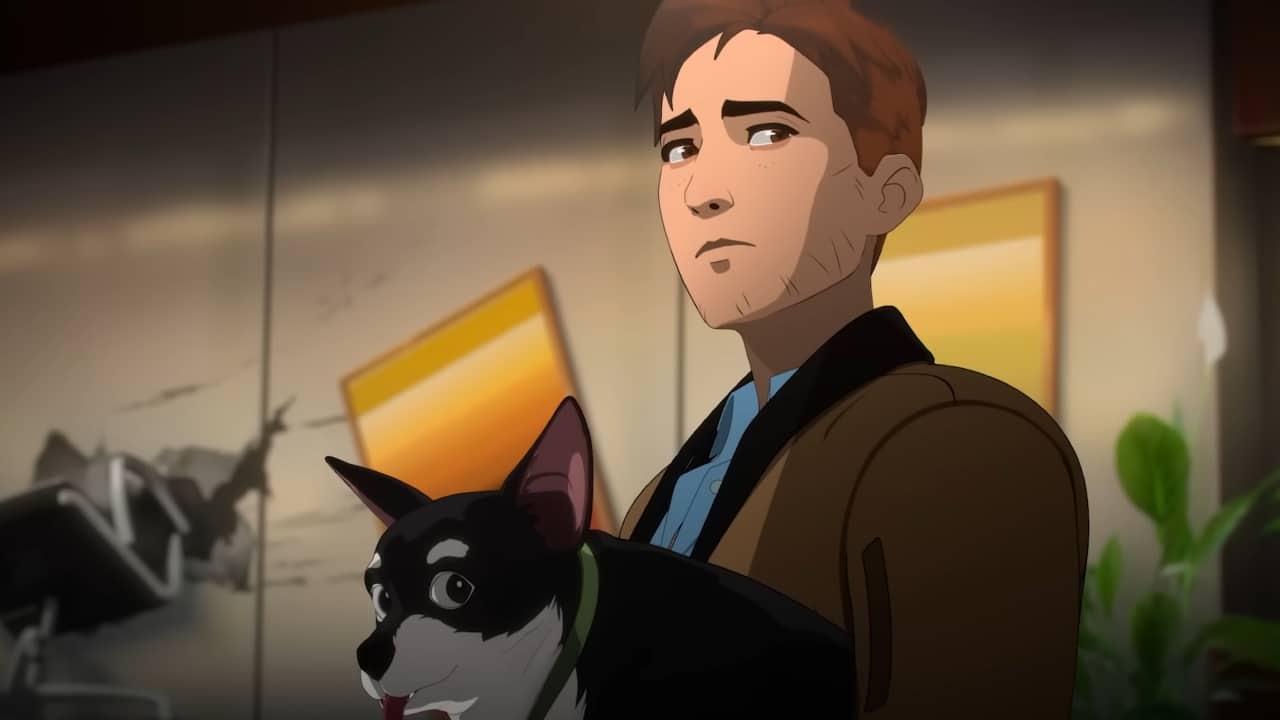
Dispatch keeps ramping up the drama with every episode drop. More branching dialogue, more tricky to navigate moments, and even more intense moments are in store for Robert Robertson’s crew as we build up to the finale.
But if you’ve waited for the Episodes 7 & 8 launch and still can’t get in, you’re not the only one running into a locked door. The good news is that there’s a simple fix. Here’s how to nudge the update into life and get back to those make-or-break conversations.
How to access Dispatch Episodes 7 & 8
If Episodes 7 & 8 aren’t appearing even after the scheduled release time, it’s usually because your client hasn’t pulled the new files yet. This cropped up with earlier drops, and the remedy hasn’t changed.
What you’ll need to do initially is fully quit the game. Don’t just return to the main menu; ensure you close Dispatch completely.
Once this is done, restart your platform, whether that be Steam or PS5, and then force any updates that may be available to ensure you have all the Dispatch Episodes 7 & 8 game files on your system.
Expect a mid-sized patch, roughly 4GB, based on previous episode updates. If you can, plug in via Ethernet or park near the router to shave off the wait.
After this, you should be good, but it’s always a good idea to verify the install files. This is an easy thing to do on Steam, but there isn’t really an option to do so on PS5. If you’re still locked out, the best thing here is to just go for a full reinstall.
Once the patch lands and installs, Episodes 7 & 8 should unlock without further drama. Then it’s time to take a look at what is in store for Chase, as well as hopefully wrapping up who Shroud actually is.
Maybe there will be some final cliffhangers, too, setting up a Season 2 that Aaron Paul is very much eagerly awaiting to be a part of.
Latest Gaming News
All News