




Arc Raiders’ Expedition departure is close, so here’s how to check stash value before take off


The time has almost arrived for the Arc Raiders Expedition Project to depart, and Embark Studios has finally revealed what rewards you’ll be getting for your efforts.
Some of these relate to how high your stash value is, and it’s not clear right away where to check this figure, hindering you from maximizing the ‘wipe’ benefits.
Here is what you need to know so you have all those Rubber Ducks in a line on the departure date.
How to check stash value in Arc Raiders
If you’re keen to get to that five-million-stash-value ceiling for the additional skill points post Expedition Project, knowing how to check the number is key.
On console, the only way to do this is by opening up your stash and selecting every single item in there and seeing how much these sell for. This is done by holding the LT/L2 buttons and hitting A/X as you go through your stash to select everything you have.
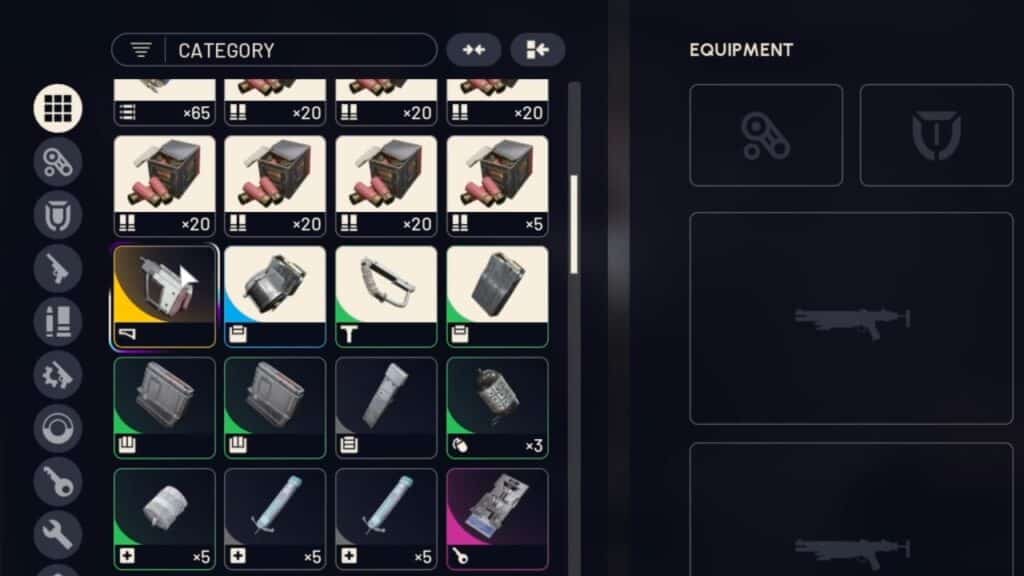
On PC, you can do this exact same method too, but there is another sneaky tactic you can use to get the job done much faster.
The way you can check your stash value almost instantly on PC is by changing the date on your machine to December 18. This might sound odd, but this is a date when the Expedition window is open and reveals how much gear you’ve managed to scavenge without selecting it all.
Just open up Date & Time in your Windows Settings, and you can quickly fast-forward time to that aforementioned date. With the date changed, open Arc Raiders and head over to the Projects screen, where you should now be able to see how much you have in your precious stash.
Obviously, this will be the main way to see your stash value when December 18 actually comes around, but this neat trick is a great workaround before then.
Latest Gaming News
All News